
YouTube reaches 31.5 million Spaniards every month—viewers watching videos where we can make an impact through Google Ads.
YouTube is a digital platform designed to host videos that functions as a repository. On this platform, each user consumes content whenever and however they need or want to.
Consumption in YouTube has a demographic reach of 90% among people up to age 54. Daily viewing time is 50 minutes per viewer in the 25- to 44-year-old age group.
Advantages of creating YouTube campaigns on Google Ads
The Google Ads panel allows the configuration of YouTube campaigns. We need our customers to have a video channel and to create high-quality content in a variety of formats. Video combines images, sound, and movement, which can evoke an emotional response from our customers. If we can create these campaigns, we’ll enjoy the following benefits.
- We can show the qualities of our products or brand.
- We transmit closeness and branding.
- It has a greater impact and is easier to capture attention.
- Connect more effectively with potential customers.
- It allows you to segment your audience very well.
- We can measure results.
Types of video advertisement
OUT STREAM
Only for mobile devices and starts playing without sound, displayed on websites and partner apps. It is used to get coverage and notoriety (vCPM).
DISCOVERY
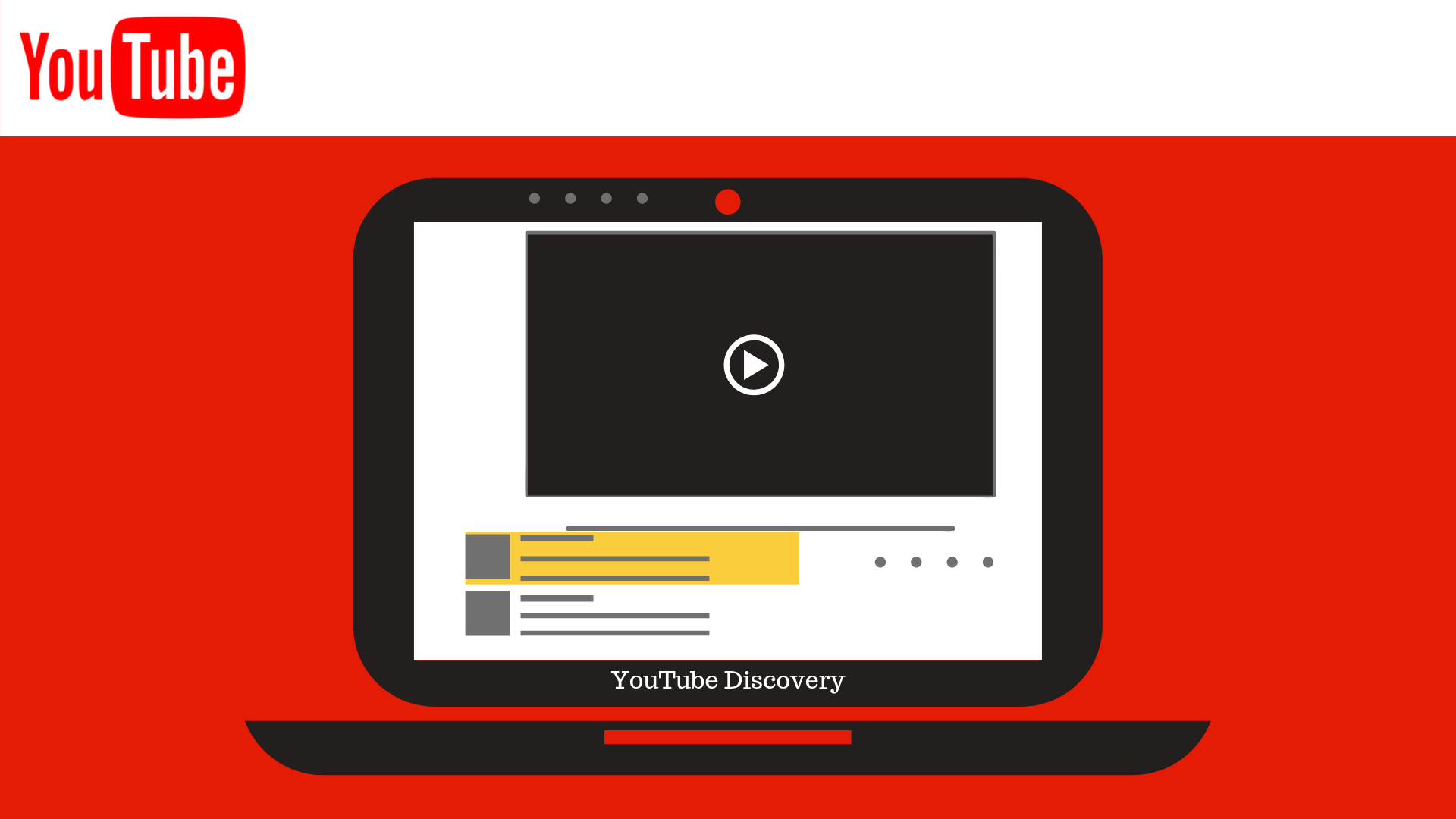
The video appears in search results; it consists of a thumbnail of the video and up to 3 lines of text. When clicked, it begins playing on YouTube. It is billed on a CPV basis and helps drive brand and product awareness.
BUMPER ADS
They are played before, during or after another video. They last a maximum of 6 seconds and cannot be skipped. The objective is brand awareness and coverage, and is paid when shown 1000 times CPM.
TRUE VIEW FOR ACTION
They are played automatically. The final screen is displayed for 5 seconds on mobile and 7 seconds on desktop and contains call to action and carries the selected URL. It is charged by CPV and the objective is sales opportunities and traffic.
MASTHEAD
The video is inserted in the header of the YouTube home page. It plays without sound automatically for up to 30», and includes an information panel on the right. Space is reserved on a daily basis by contacting Google directly.
BETA MASTHEAD
This is a variation of the masthead; it must be booked at least 48 hours in advance and requires a minimum investment of €1,000 per segment. Payment is based on CPC.
Types of segmentation
Video campaigns allow a very precise segmentation, which allows us to optimize our investment in those audiences that most interest us depending on the objective of our campaign. We can try to capture audiences in people who may have interests in our products, retarget users who have added a product and did not conclude the purchase, people who visited a specific video from our channel or from another channel that talks about the products...
The types of segmentation we can apply are:
- Demographicsgender, age, parental status.
- Hearings: related, Live Events, Intention, customized...
- Key wordsYouTube: videos can be displayed in response to words or phrases searched for on YouTube.
- Video Remarketingto users who have watched one of our videos, or videos from other channels.
- Devices: enhancing or excluding what works best.
- Topicscan be oriented to specific topics pre-determined by Google.
Combine YouTube and Shopping
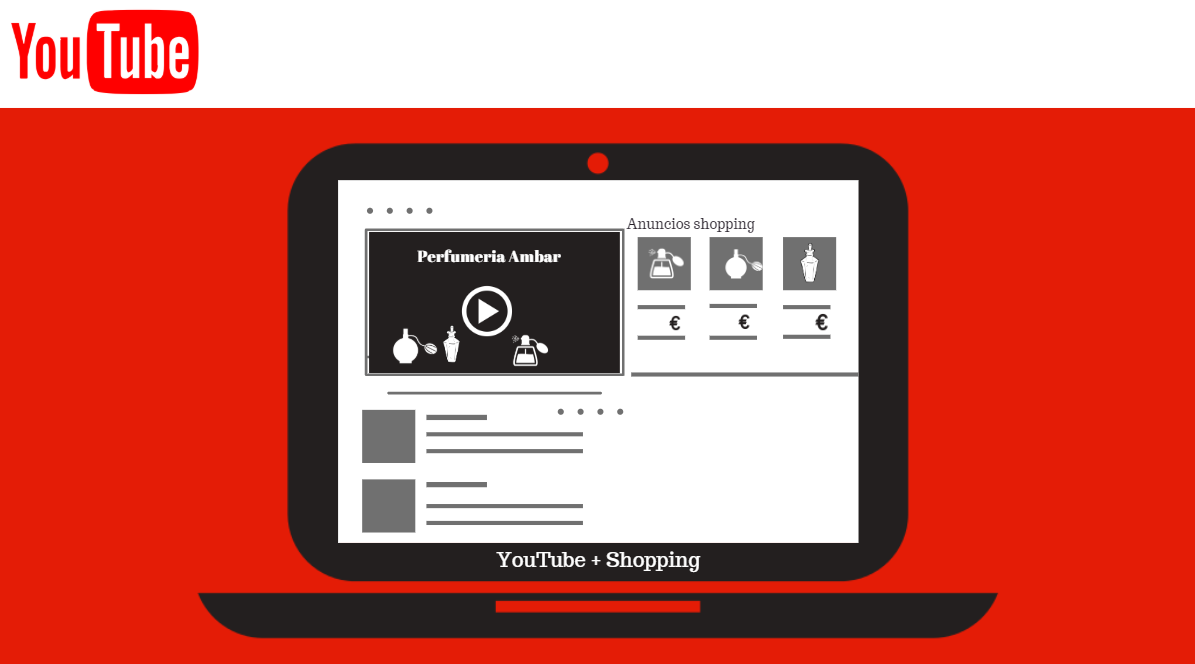
From Google Ads, you can Create in-stream video campaigns while displaying shopping tags. You must have a data feed uploaded to Merchant Center and linked to your Google Ads account. You can display up to 5 shopping tags.
When setting up the campaign, select "Brand and Product Awareness," "Video" as the type, and "Shopping" as the subtype. You can select the products to display using a filter in the campaign settings. You can enable all of them, but the best approach is to Select the same ones shown in the video, since seeing the product along with its price can lead to a quick conversion.
Best practices
The first thing to keep in mind is that these types of campaigns can be very costly, so it's important toStart with low bids; review audiences, devices, and placements and above all… be on high alert.
- Separate campaigns by objectives, reach, videos...
- Separate each ad group with each audience, word group...
- Be careful with in-market audiences and those created by Google.
- Think about who you want to reach: users of your website, your YouTube channel, related channels, YouTubers who feature your products…
- Limits how often videos are displayed and viewed.
- Rotate videos if the channel generates new content.
Start your YouTube campaigns now!


